Guest Spots
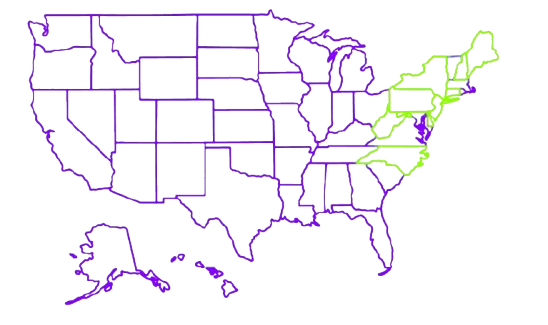
NH
May 1sr-10th
CT
April 1st-13th.
NY
0-0
PA
March 7th
Guide Help Finding References
Guide for finding tattoo reference images
The easiest way to search for designs is to use the Painterist app. There you can find similar designs or at least an example of something that fits you better.
Having clear tattoo references and design examples helps me understand your vision faster.
It's preferable to have a clear idea, as this allows me to give you a quicker estimate of the time and cost - the two things most clients want to know first.
Even if you don't have references, you can still contact me anytime. But having examples from apps like Painterist or other design platforms will make planning and starting your tattoo much easier.
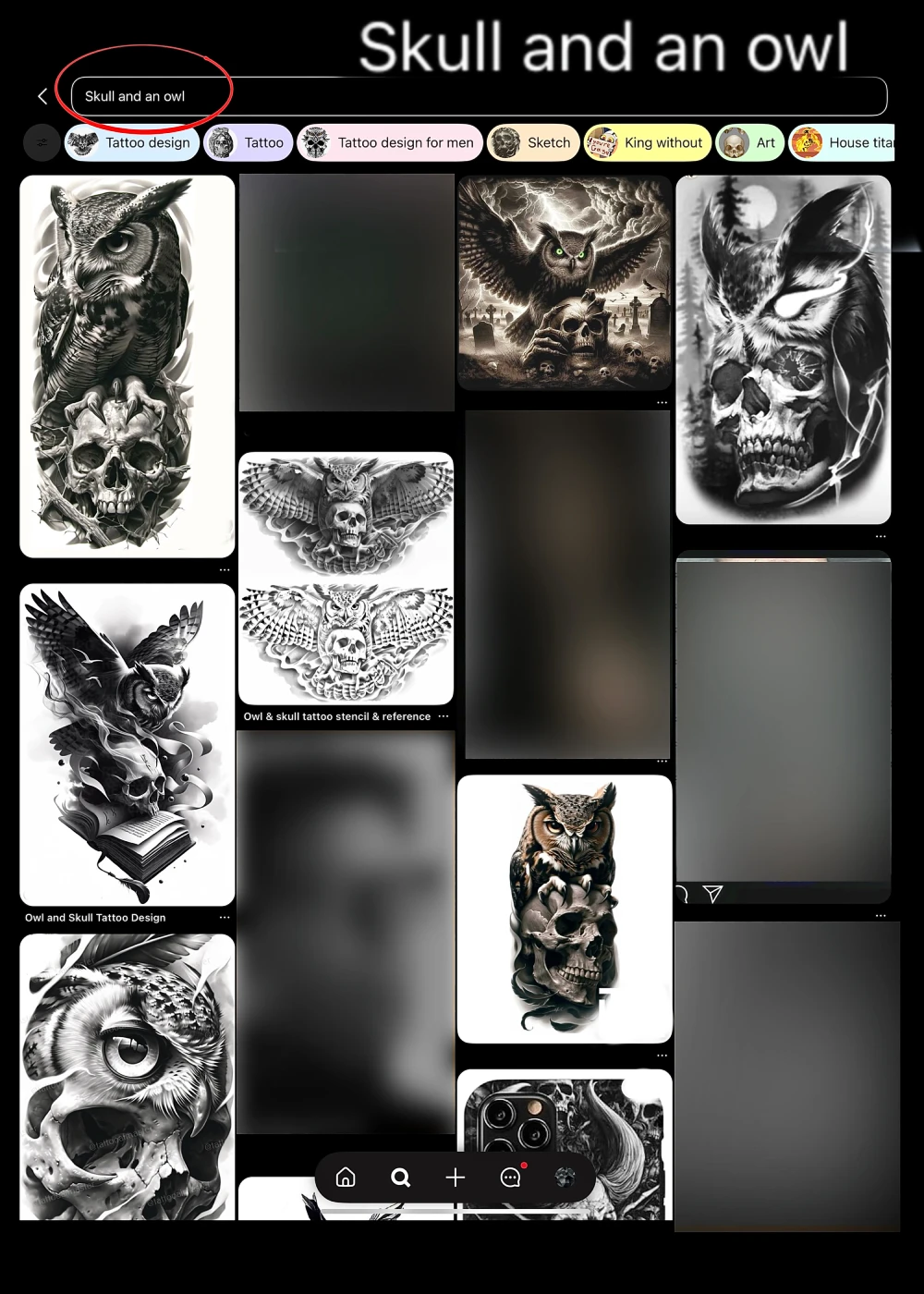
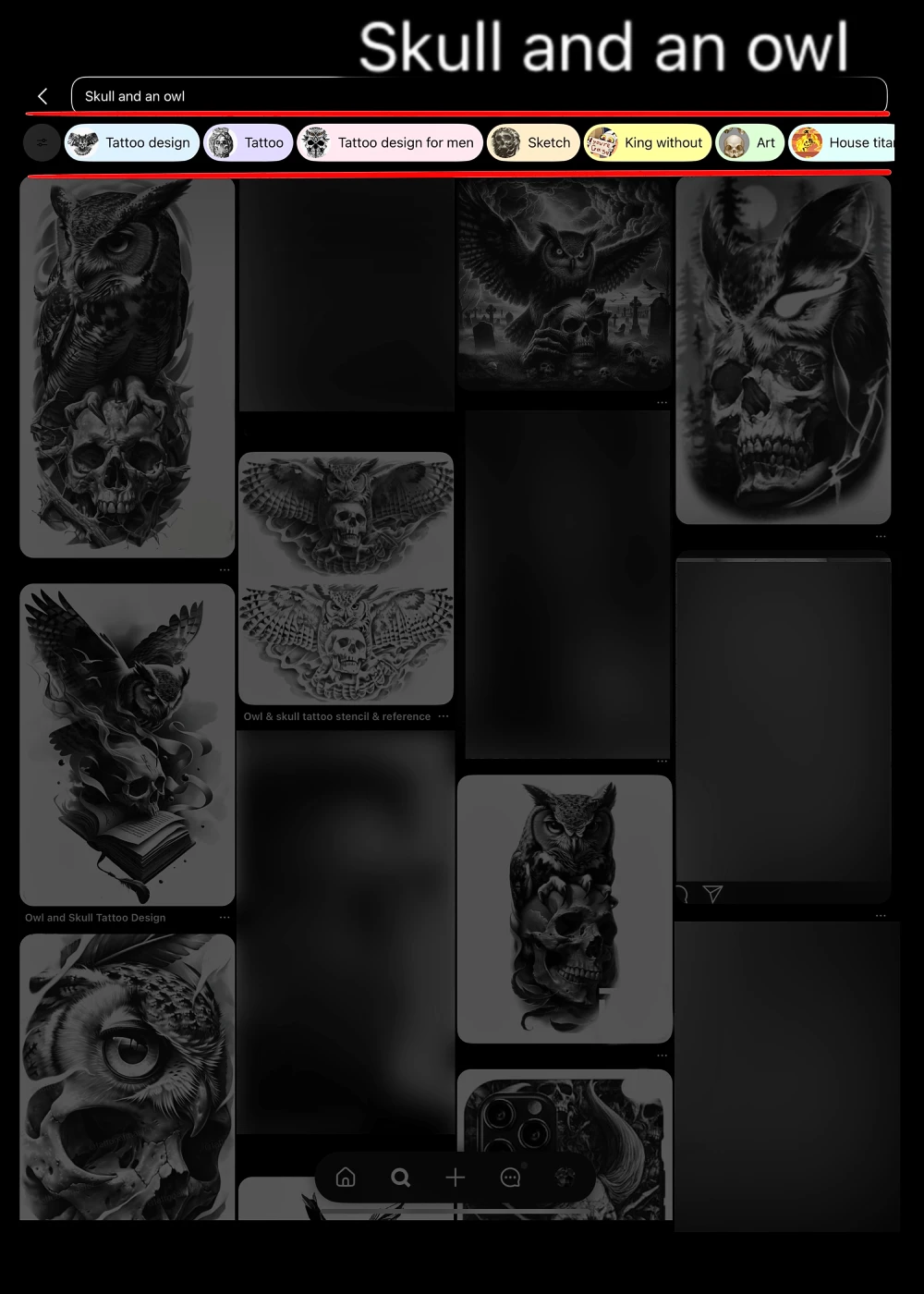
Note that you can choose additional filters like "Tattoo Design," "Tattoo," "Tattoo Design for Men," and similar options.
These usually change depending on your search and help you find more accurate and relevant designs.
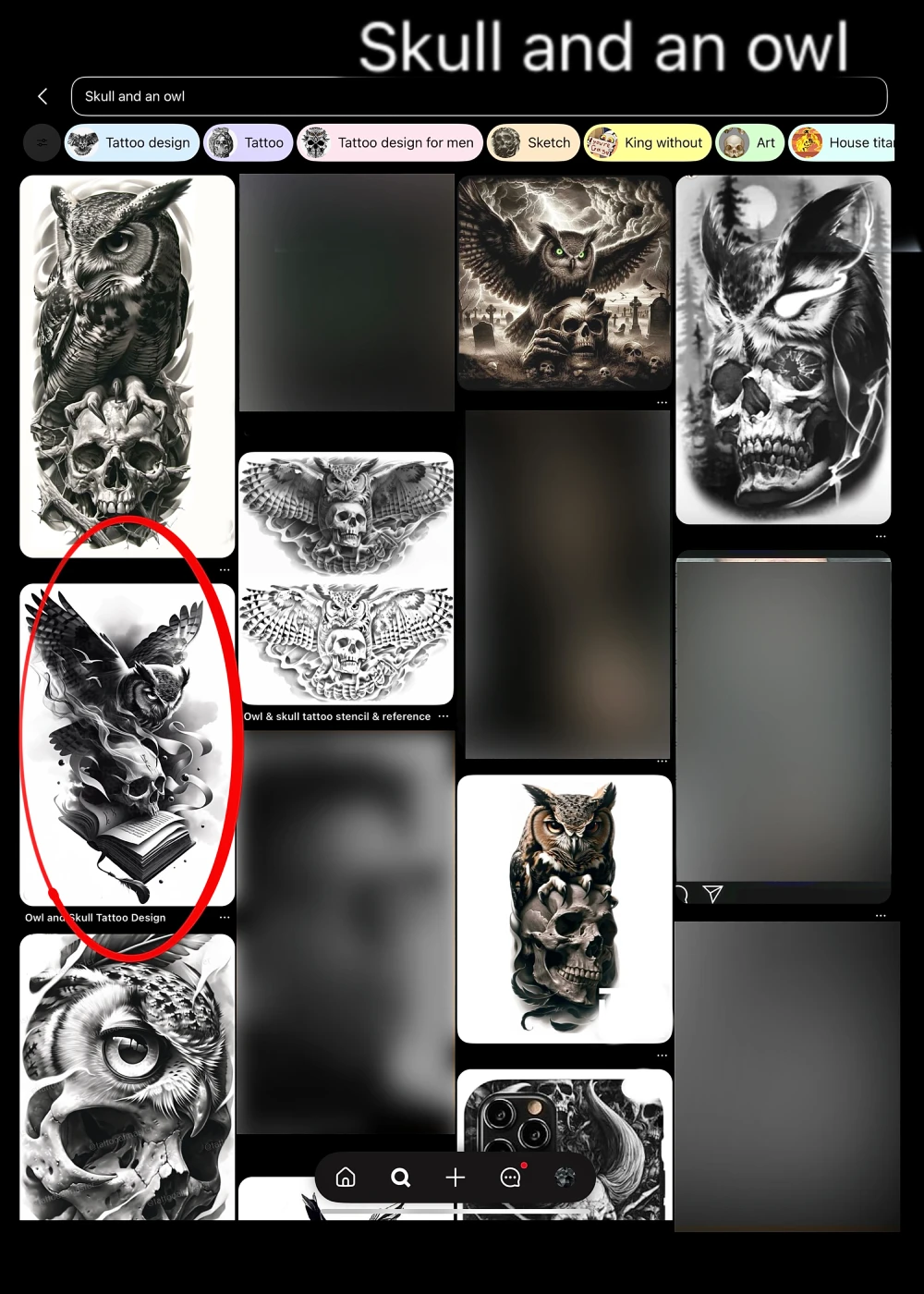
Let's say we like this design.

Clicking on the design opens a larger view so you can see the details better.
You don't have to like the whole design — maybe it's just the owl, the book, the skull, or the contrast and composition that stand out to you.
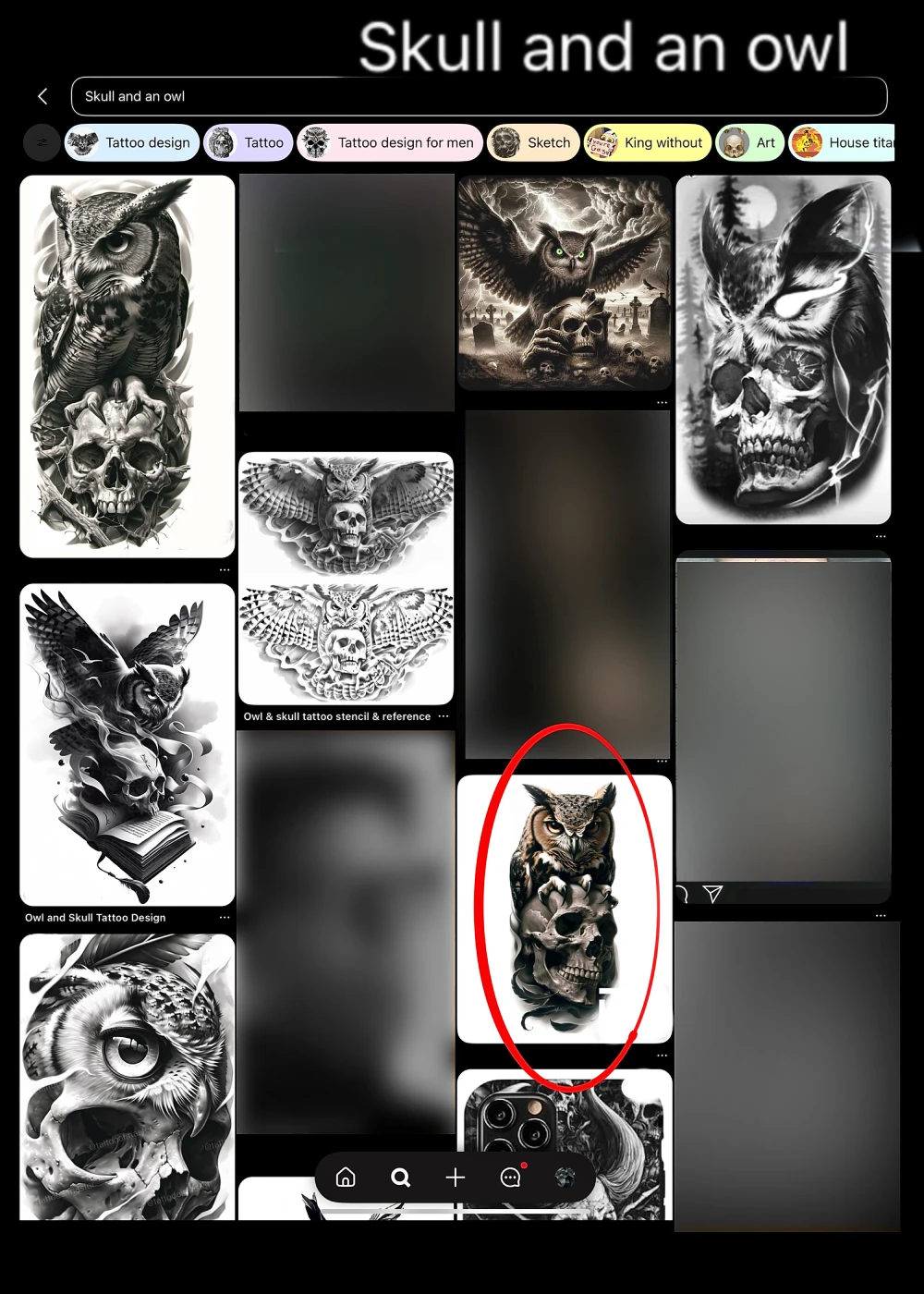
As you scroll down, you'll see many more designs similar to what you're looking for.
Let's say I liked this one.
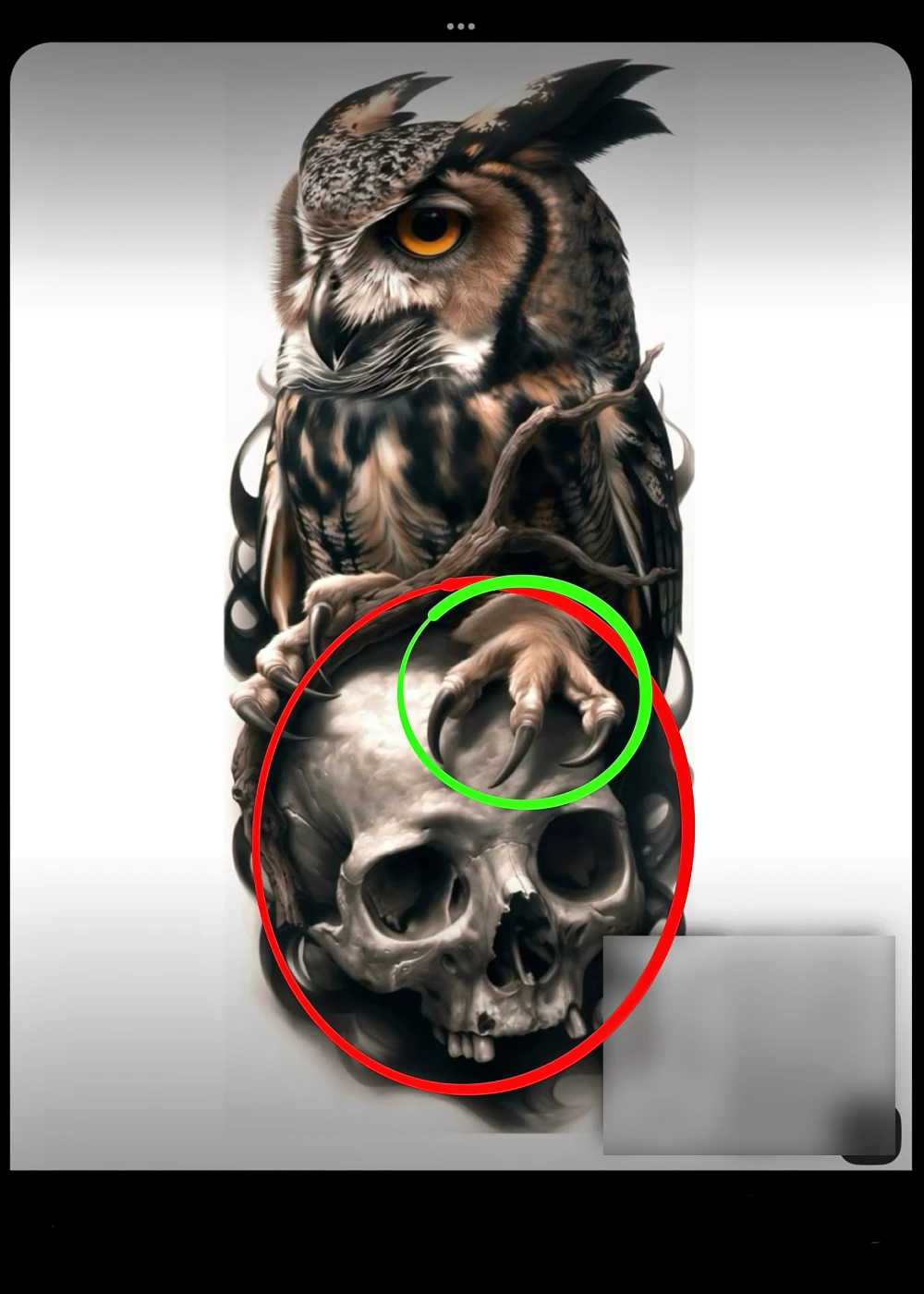
In this design, I like the way the skull looks.
But I prefer the owl from the previous one.
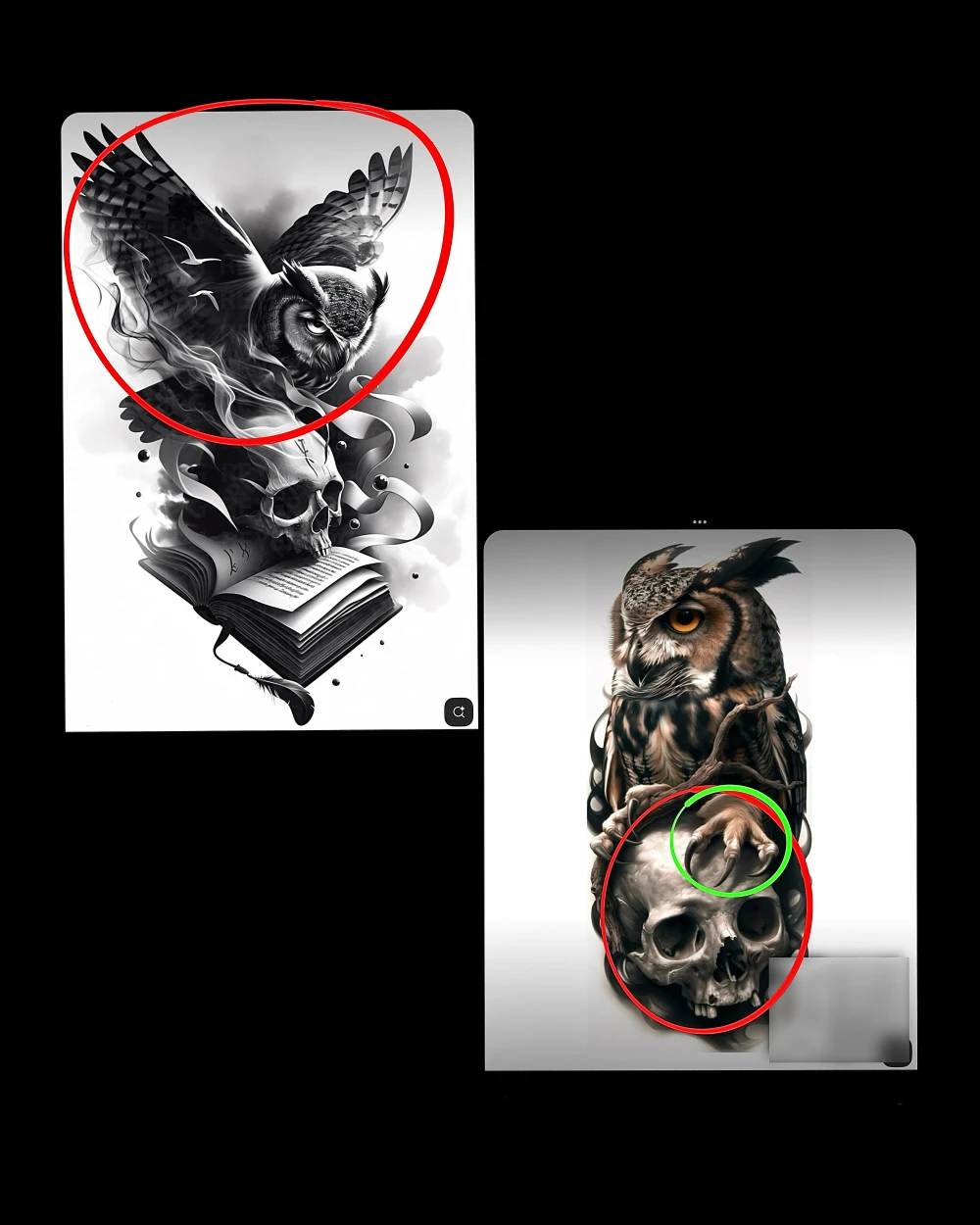
Instead of spending forever looking for the perfect single design, it's often easier to collect references with parts you love.
That's the most common and effective way to build your unique tattoo.